As an Amazon Associate, we earn from qualifying purchases. Some links on this site are affiliate links at no extra cost to you. Our recommendations are based on thorough research and editorial judgment.

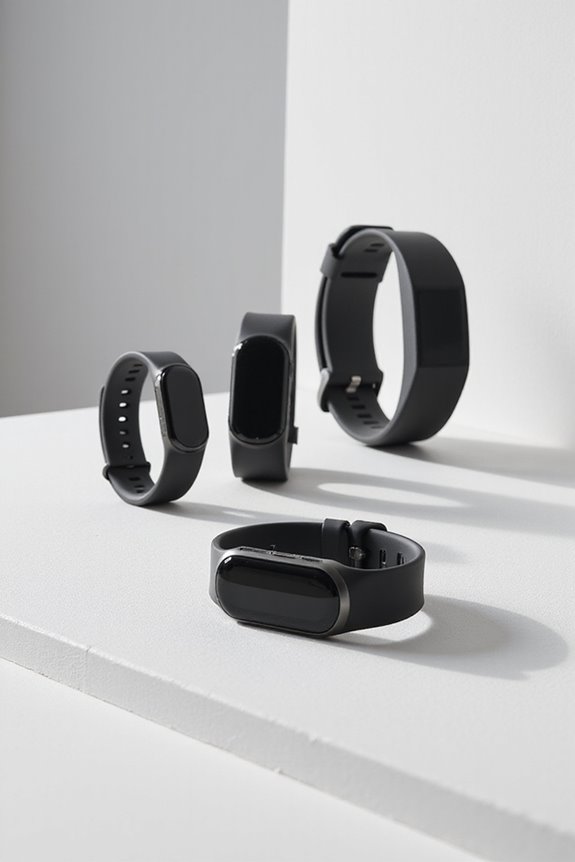
How to Choose a Fitness Tracker for Running

The best fitness tracker for running depends on the data you will actually use, the routes you run, how often you charge, and how the device feels on your wrist. Compare GPS behavior, heart-rate measurement, battery under your chosen settings, display controls, training tools, durability, comfort, safety features, and app support. Treat health metrics as estimates and use them to inform—not replace—your judgment.
Key Takeaways
- Prioritize GPS, heart rate, battery, display, and training features that match your actual running routine.
- Check battery claims under the GPS, music, notifications, and sensor settings you plan to use.
- Use physical buttons or a responsive touchscreen that remains practical with sweat, gloves, or rain.
- Confirm the water and dust rating, operating limits, strap comfort, and repair or warranty support.
- Choose an app and data-export system you can understand, access, and use consistently.
Understanding GPS Accuracy and Its Importance
You may be interested



GPS can help record distance, pace, route, and elevation, but accuracy varies with satellite visibility, buildings, trees, weather, route shape, device position, and recording settings. Compare real-world tests from similar routes and check whether the device supports the satellite systems or multi-band mode you need. For navigation, keep a map or phone backup and do not assume a tracker can replace route awareness.
Recommended Products
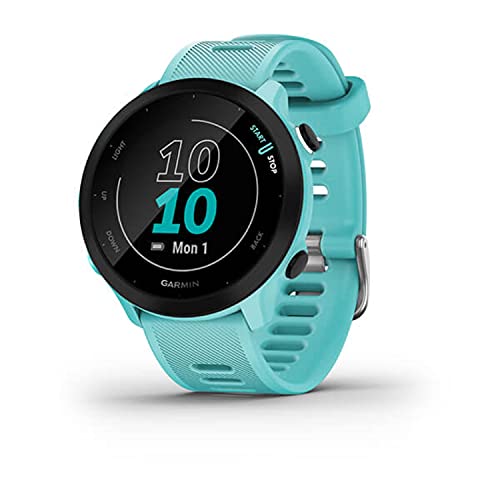
Easy-to-use running watch monitors heart rate (this is not a medical device) at the wrist and uses GPS to track how far, how fast and where you’ve run
Evaluating Battery Life for Long Runs

Read battery claims alongside the conditions that produced them. GPS mode, screen brightness, music, maps, cellular connection, notifications, temperature, and sensor use can change runtime substantially. Choose a device that covers your longest planned activity with a margin, confirm charging time, and carry a backup plan for remote routes. Power-saving modes may reduce features you care about, so test them before a long event.
Display Quality and User Interface Considerations
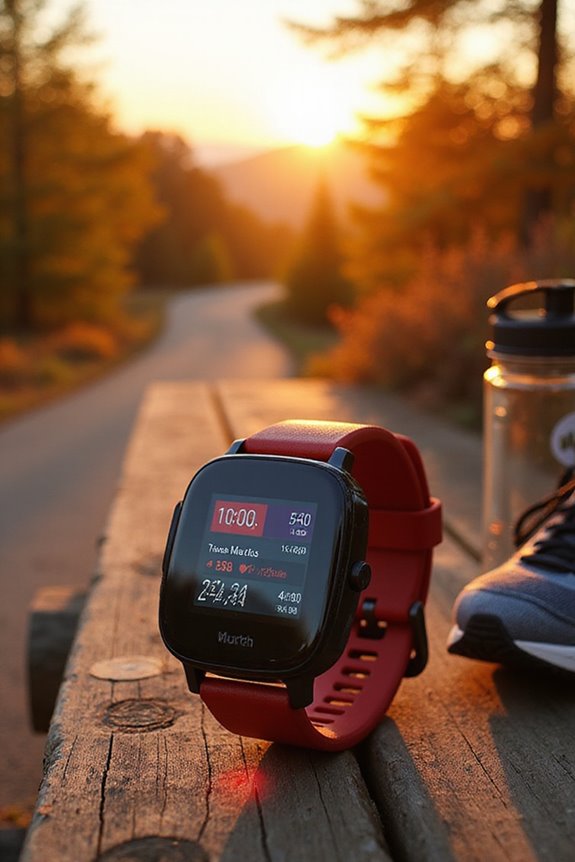
A running display should be readable at a glance and easy to control without breaking your stride. Compare sunlight visibility, backlight behavior, font size, customizable data fields, auto-lap controls, touchscreen response, and physical buttons. Buttons may be easier with wet hands or gloves, while a touchscreen can offer flexible navigation. Configure only the fields you can use safely while moving.
The Role of Heart Rate Monitoring in Performance
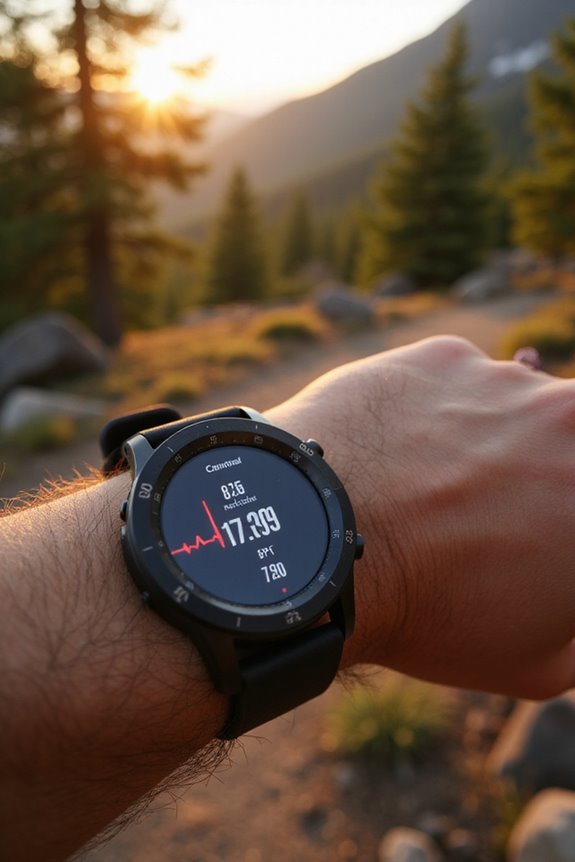
Heart-rate data can help you compare effort across runs, but wrist sensors may be affected by fit, skin contact, movement, temperature, tattoos, and device design. Wear the tracker as directed, compare readings with how you feel, and consider a compatible chest strap if accuracy matters for your training. Heart-rate zones are estimates; do not treat a consumer device as a medical monitor or diagnosis.
Assessing Durability and Water Resistance
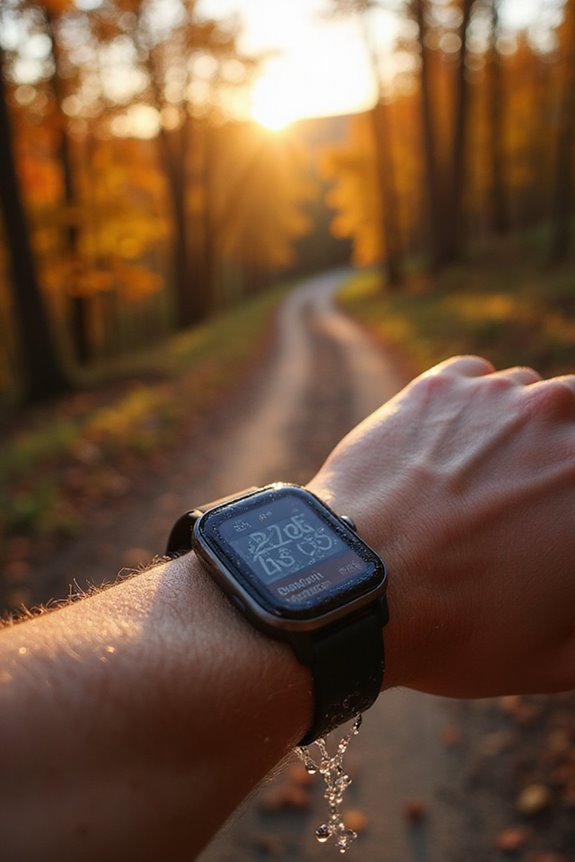
Check the case, lens, buttons, strap, operating temperature, dust protection, and the exact water-resistance or ingress rating. A rating may describe splashes, rain, swimming, or another defined use; it does not make every device suitable for diving, hot water, chemicals, or high-pressure jets. Follow the manufacturer’s limits, rinse salt or chlorine as directed, and dry the device and charging contacts before charging.
Budgeting for Your Fitness Tracker
Set a budget around the features you will use and the total ownership cost. Compare the tracker, subscription requirements, replacement straps, chargers, warranty, and app access—not just the initial price. A simpler model may cover GPS and basic training, while a more advanced watch may add maps, music, recovery estimates, or cellular features you do not need. Check current prices and compatibility before purchase.
Exploring Health and Recovery Tracking Features
Sleep, heart-rate variability, training load, recovery suggestions, and estimated fitness scores can help you notice patterns, but they are not direct measurements of health or readiness. Compare the trend with sleep, stress, soreness, illness, and performance. Ignore a score that conflicts with how you feel, and seek professional advice for symptoms or medical concerns rather than relying on an app.
Smart Features and Connectivity Options
Useful smart features may include route guidance, workout creation, music controls, notifications, contactless payments, safety alerts, and automatic syncing. Check phone compatibility, required accounts or subscriptions, offline behavior, privacy settings, data export, and whether cellular functions need a separate plan. More connectivity can also increase battery use, so select only what improves your running.
Prioritizing Design and Comfort in Wearables
Comfort affects whether you will wear the tracker consistently. Check case size and weight, strap adjustment, skin contact, sensor position, button placement, charging method, and how it feels during arm movement and sleep. Choose a breathable, replaceable strap when practical, keep the sensor clean, and stop wearing the device if it causes persistent irritation or discomfort.
Additional Features to Enhance Your Running Experience
Training plans, intervals, alerts, route tools, voice cues, emergency contacts, and post-run summaries can make a tracker more useful. Check whether each feature works without a phone, requires a subscription, or affects battery life. Safety alerts depend on phone, network, location, and setup, so keep a separate plan for emergencies and tell someone your route when running alone.
Frequently Asked Questions
What Brands Are Most Reliable for Fitness Trackers?
Reliability depends on the specific model, software support, sensor behavior, repair process, app quality, and how it fits your needs. Compare current reviews from runners using similar phones and routes, check update and warranty policies, and confirm that essential functions work without a subscription if that matters to you.
Can I Use a Fitness Tracker Without a Smartphone?
Many trackers can record steps, workouts, heart rate, or GPS activity without a phone nearby, but setup, syncing, maps, music, safety features, and advanced analysis may depend on a phone or network. Check the exact model’s offline capabilities and whether data can sync later.
How Do I Sync My Tracker With Fitness Apps?
Install the manufacturer’s companion app, pair the tracker through the method it specifies, allow the required permissions, and update the device and app. Then connect supported third-party services from their official settings. Review privacy, account, and data-export options, and troubleshoot with the manufacturer if syncing fails.
What Is the Warranty Policy for Fitness Trackers?
Warranty terms vary by brand, region, and model. Check the current coverage period, defects included, exclusions for accidental or water damage, proof-of-purchase rules, repair or replacement process, and software support. Keep the receipt and register the product only through the official channel if required.
Are There Fitness Trackers Specifically Designed for Women?
Some trackers offer features that may be useful for women, such as cycle logging, pregnancy-related tools, smaller case options, or different band sizes. Availability and accuracy vary, and wellness features are not medical care. Compare the fit, privacy controls, data handling, and core running functions rather than assuming a gender label makes a device more suitable.